Google My Business Optimise (GMB)
Now officially called Google My Business Optimise Profile (GMB), it is a free tool from Google that helps businesses manage their online presence on Google Search and Google Maps. To fully utilise this tool, it is important to optimise Google My Business for maximum benefit. Many businesses are searching for the best ways to use Google My Business Optimise (GMB) to improve their visibility and attract more customers.
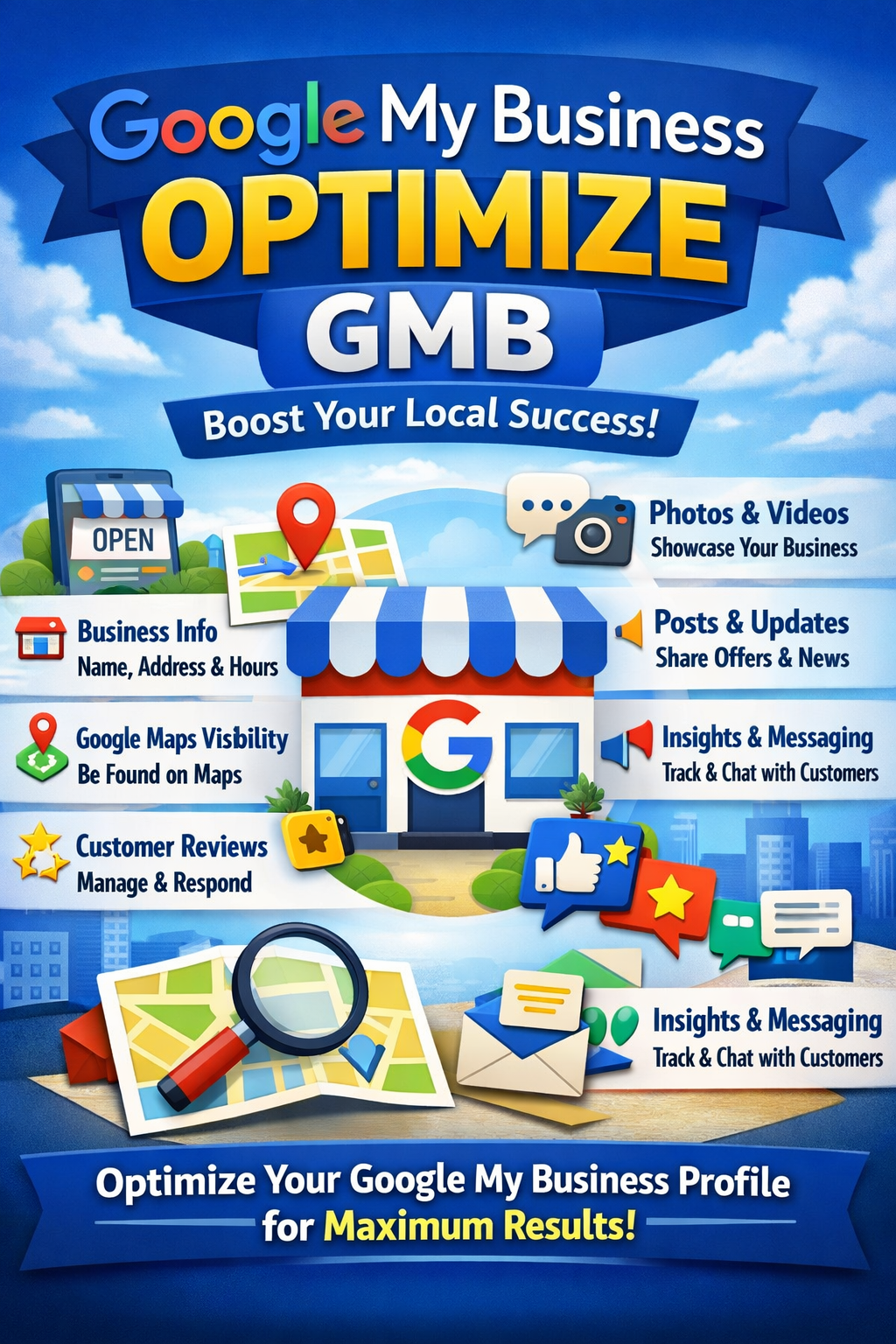
What does Google My Business do?
It allows you to create and control your business listing so customers can easily find important information about you online.
Key Features of Google My Business
- Business Information: Show your business name, address, phone number, website, and hours
- Google Maps Visibility: Helps customers locate your business easily
- Customer Reviews: Receive, respond to, and manage customer reviews
- Photos & Videos: Upload images of your products, services, or location
- Posts & Updates: Share offers, announcements, and events
- Insights & Analytics: See how customers find and interact with your business
- Direct Messaging: Chat with customers (if enabled)
Why Google My Business Is Important
- Improves local SEO and online visibility
- Builds trust and credibility with customer reviews
- Increases website traffic, calls, and store visits
- Helps local customers find your business faster
- Who Should Use Google My Business?
- Local businesses
- Service providers (plumbers, electricians, consultants)
- Restaurants and cafes
- E-commerce brands with physical locations
- Freelancers and small business owners
- Example :
If someone searches “best coffee shop near me”, Google uses Google Business Profiles to show nearby businesses with ratings, photos, and directions.
Is Google My Business Free?
✅ Yes, it is completely free to use.
Google Business Profile (GMB) Optimize Karne Ka Step-by-Step Tarika
Agar aap chahte hain ki jab bhi koi aapke area mein aapki service search kare aur aapka naam sabse upar aaye, to niche diye gaye steps ko follow karein:
1. Business Information ko Complete Karein
Adhi-adhuri jaankari Google ko pasand nahi hai. Apne dashboard mein jaakar check karein ki kya ye sab sahi hai:
Business Name: Wahi naam likhe jo aapke board par hai. Faltu ke keywords na bharein.
Address: Ekdum exact location dalein.
Phone Number: Apna active number dein jo uthaya ja sake.
Website: Agar website hai to uska link zaroor dalein.
2. Sahi “Category” Select Karein
Ye sabse important step hai. Google ko bataye ki aap exact kya kaam karte hain.
Primary Category: Jo aapka main kaam hai (e.g., “Italian Restaurant”).
Secondary Categories: Jo extra kaam aap karte hain (e.g., “Pizza Delivery”, “Catering Service”).
3. Business Description mein Keywords Dalein
Ek accha 750 words ka description likhein. Isme bataye ki aap kya service dete hain aur aap dusro se alag kyun hain.
Tip: Description mein apne shahar (city) ka naam aur main service (e.g., “Best Dentist in Delhi”) zaroori likhein, par natural tarike se.
4. High-Quality Photos Upload Karein
Log dekh kar bharosa karte hain. Regular basis par ye photos dalte rahein:
Apne office ya shop ke bahar ki photo.
Andar ka mahol (Interior).
Apne team ki photos aur apne products ki photos.
5. Google Reviews Par Focus Karein
Google un businesses ko upar dikhata hai jinki rating acchi hoti hai.
Apne purane customers se reviews mangein.
Har review ka reply karein, chahe wo accha ho ya bura. Isse Google ko lagta hai ki aap active hain.
6. “Google Posts” Ka Use Karein
Jaise aap Facebook ya Instagram par post dalte hain, waise hi Google Business par bhi post dalein.
Naye offers, events, ya kisi naye product ki jankari share karein.
Hafte mein kam se kam 1-2 post zaroor dalein
Table: Quick Checklist
| Kaam | Kyun Zaroori Hai? |
| NAP Consistency | Name, Address, Phone har jagah same hona chahiye. |
| Photos | Trust build karne ke liye. |
| Reviews | Ranking badhane ke liye. |
| Updates | Active dikhne ke liye. |
- This is my Business website in GMB Called PMART STORE

- Short Description :-
PMART STORE Visakhapatnam mein aapka trusted destination hai behtareen Cosmetic products aur online shopping deals ke liye. Hum specialize karte hain top-rated beauty products ko promote karne mein aur aapke liye lekar aate hain Amazon Affiliate ke sabse best deals aur discounts. Agar aap quality cosmetics aur genuine product recommendations dhund rahe hain, toh hamare expert reviews aur curated affiliate links aapki madad karenge. Hamara maksad Visakhapatnam ke customers ko sahi product sahi daam par Delana hai. Aaj hi visit karein aur latest lifestyle aur beauty trends se judein!
Click here → GET DIRECTION
Also Learn About SEO then Click here → Pmart Store
Frequently Asked Questions (FAQs)
1. How long does it take to optimise Google My Business profile?
Initial optimization takes 1–2 hours, but ongoing updates bring long-term results.
2. Is Google My Business free?
Yes, it’s completely free and extremely powerful.
3. How often should I update my profile?
At least once a week with posts, photos, or updates.
4. Can I rank without reviews?
Yes, but reviews significantly improve rankings and trust.
5. Does keyword in business name help?
Only if it’s your real business name. Fake keywords can cause suspension.
6. What industries benefit most from Google My Business?
Restaurants, service businesses, clinics, local shops, and agencies benefit the most.
Conclusion
To succeed in local search, you must optimise Google My Business profile consistently and correctly. It’s not a one-time task—it’s an ongoing strategy. When done right, it delivers free traffic, leads, and brand credibility.
Follow the steps outlined above, stay active, and keep improving. Local success isn’t luck—it’s optimization done smartly.