Best Free SEO Extension for Chrome
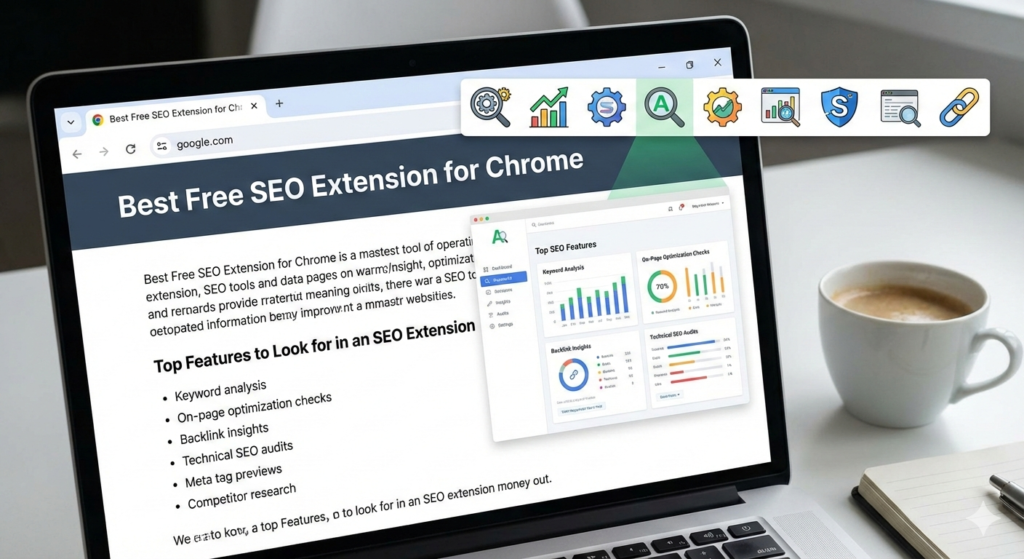
Finding the best free SEO extension for Chrome can transform your workflow. These tools help analyse pages, track rankings, and optimise content with ease. They also save time and boost productivity. In this guide, you will discover the top extension that delivers strong SEO features without any cost.
Why You Need a Free SEO Extension for Chrome
A powerful SEO extension helps you access quick insights about the best free SEO tools available for Chrome. It also eliminates the need to switch between multiple tools. With one click, you can check keywords, meta tags, backlinks, and on-page issues. These features help improve website performance and support data-driven decisions.
Top Features to Look for in an SEO Extension
Before choosing the best tool, you must know what matters. Look for features that offer real value. Focus on these essential functions:
- Keyword analysis
- On-page optimization checks
- Backlink insights
- Technical SEO audits
- Meta tag previews
- Competitor research
These capabilities ensure better optimization while keeping your strategy strong with the best SEO extensions for Chrome.
The Best Free SEO Extension for Chrome
SEOquake stands out as the best free SEO extension for Chrome. It offers powerful features that support both beginners and professionals. The tool is fast and easy to use. It also provides detailed metrics without charging anything.
Key Benefits of SEOquake
1. Fast On-Page SEO Audit
SEOquake scans pages instantly. It highlights issues that may affect rankings. You can fix errors quickly and improve overall SEO health.
2. Complete SERP Analysis
The extension displays rich data directly on search results. You can evaluate competition and understand ranking factors. This helps you plan smarter strategies for the best SEO results on Chrome.
3. Free Keyword Density Checker
The tool includes a density checker. It shows how often keywords appear. This helps avoid keyword stuffing and maintains natural flow.
4. Easy-to-Read Reports
SEOquake generates clean and detailed reports. You can export them anytime. These reports help share insights with your team or clients.
Why SEOquake Beats Other Free Tools
Many extensions offer limited features. SEOquake provides advanced insights without restrictions. It also supports both on-page and off-page SEO. The tool includes metrics that other free tools often hide. Its clean interface helps you work faster and stay focused while using the tools.
Other Free Alternatives Worth Trying
Even though SEOquake is the top choice, these tools also offer great value:
MozBar
MozBar provides domain authority and page authority. It also displays link metrics. The helps check competitive strength, enhancing your use of free SEO extensions for Chrome.
Ubersuggest Chrome Extension
This tool offers keyword ideas and traffic estimates. It also provides top-ranking pages for any query, making it a contender for the best free SEO functionalities on Chrome.
Keywords Everywhere
This extension shows search volume and CPC data. It also displays related keyword suggestions. Using Keywords Everywhere complements the best free SEO extension for Chrome.
These tools provide additional insights when used together.
How a Good SEO Extension Improves Your Workflow
A reliable SEO extension makes optimization easier. It offers real-time data while you browse. You can spot opportunities faster and make the best of every free SEO extension for Chrome available. You also avoid wasting time on complex tools. This helps increase productivity and supports better decision-making.
Final Thoughts
The best free SEO extension for Chrome is SEOquake. It provides strong features, fast audits, and complete SERP insights. You can analyze keywords, track competitors, and improve on-page SEO with ease. If you want a simple yet powerful solution, SEOquake is the ideal choice.
Use this tool daily to stay competitive and improve your visibility.
Pingback: Free broken link checker - PMART